AnyQRCode: A QR Code Generator That Runs Entirely in Your Browser
I needed a QR code for a conference poster. Every generator I tried either wanted an account, stamped a watermark on the output, or quietly routed the link through a redirect domain that could disappear the week after the poster went up. The ones that were free produced a plain black grid that looked out of place next to everything else on the page.
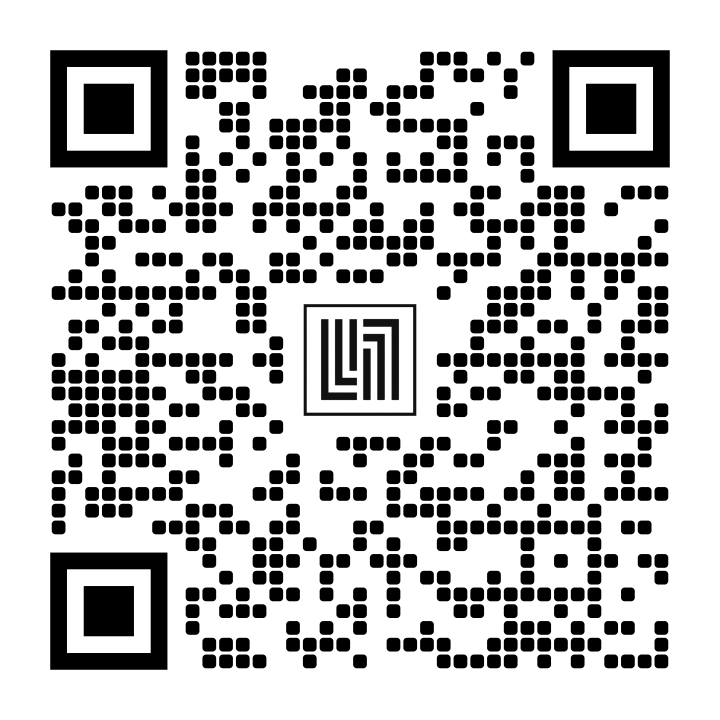
So I built AnyQRCode. The QR code at the top of this post was generated with it, and scanning it takes you to the tool.
Why the encoder is hand-written
The obvious approach is to pull in an existing library. I started there and hit a wall almost immediately.
Libraries like qrcodejs hand you finished pixels — a canvas or an image, already drawn. That is fine if you want a black-and-white grid. It is useless if you want round modules, a gradient across the symbol, or a hole punched out of the middle for a logo, because all of those need the underlying bit matrix, and the matrix is exactly what the library throws away.
So qr-core.js implements ISO/IEC 18004 from scratch: byte-mode encoding, Reed–Solomon error correction over GF(256), all forty versions, the four correction levels, mask selection by penalty scoring. It returns the matrix and nothing else. A separate module, qr-styler.js, turns that matrix into SVG path data, and both the canvas preview and the SVG export consume the same path strings — so the two outputs are identical by construction rather than by careful maintenance.
Writing your own encoder means you own the bugs, so correctness is pinned two ways. Every matrix is compared bit-for-bit against node-qrcode, an independent implementation. Then rendered images are decoded back with ZXing and checked against the original string. Both sweeps run across all versions and correction levels.
That second check earned its keep. An early version passed visual inspection and produced codes that looked perfectly plausible, but the format-information bits were transposed — row and column swapped in a fifteen-bit region tucked beside the finder patterns. Nothing about the image looked wrong. Decoding caught it immediately.
Scannability is a design constraint
A styled QR code is only worth anything if it still scans, and it is surprisingly easy to make one that does not. Shrink the modules for a lighter look and you strip margin from the binarizer. Pick a tasteful low-contrast palette and phone cameras start failing in dim light. Drop in a logo slightly too large and you blow past what the error correction can recover.
None of these announce themselves. The code renders, it looks good, and it fails in someone else’s hands a week later.
So the tool runs a check after every render and reports what it finds:
- Logo coverage measured against the error-correction budget of the current level, warning before the excavated area exceeds what can be recovered
- Contrast ratio between foreground and background, flagged when it drops toward the point where camera binarization becomes unreliable
- Inverted codes, where the foreground is lighter than the background — some readers refuse these outright
- Quiet zone below two modules, which fails against dark backgrounds
The check is not decorative. Building the preset gallery, I discovered two of my own presets tripping it: warm gradients whose pale end sat at 2.1:1 against a cream background. They looked lovely and would have scanned badly. Both got darkened.
There is also a subtler failure the renderer handles quietly. If module boundaries land on fractional pixels, anti-aliasing smears every edge, and a decoder thresholding that image can read the wrong bit. So the exporter snaps modules to whole pixels and derives the output size from that, rather than scaling to whatever number the user typed.
Files, and the limit nobody mentions
A QR code holds roughly 2.9 KB of text at the most generous settings, and about 1.3 KB at the highest error correction. A small PDF is a hundred times that. Files cannot go inside a QR code, no matter how the interface is worded.
What a QR code can hold is a link. So the tool uploads the file, then encodes the resulting URL — with the lifetime stated up front rather than buried:
| Lifetime | Destination |
|---|---|
| Permanent | A public GitHub repository you own |
| 10 days | An anonymous public host |
| 1 hour | An anonymous public host |
The permanent option takes a repository and a fine-grained token scoped to that repository’s contents. Both stay in your browser and the token is sent only to GitHub. The file is committed to your own repo and served from raw.githubusercontent.com, which means the link outlives any service I could pick on your behalf.
I looked hard for a free, anonymous, permanent host and concluded none exists. During the search alone, four services advertising exactly that turned out to be defunct — one had disabled uploads outright, citing months of automated abuse. Free, anonymous, and permanent do not coexist for long. Anything genuinely durable has to sit on storage you control, which is why the permanent tier asks you for a repository instead of promising something I cannot keep.
What it does
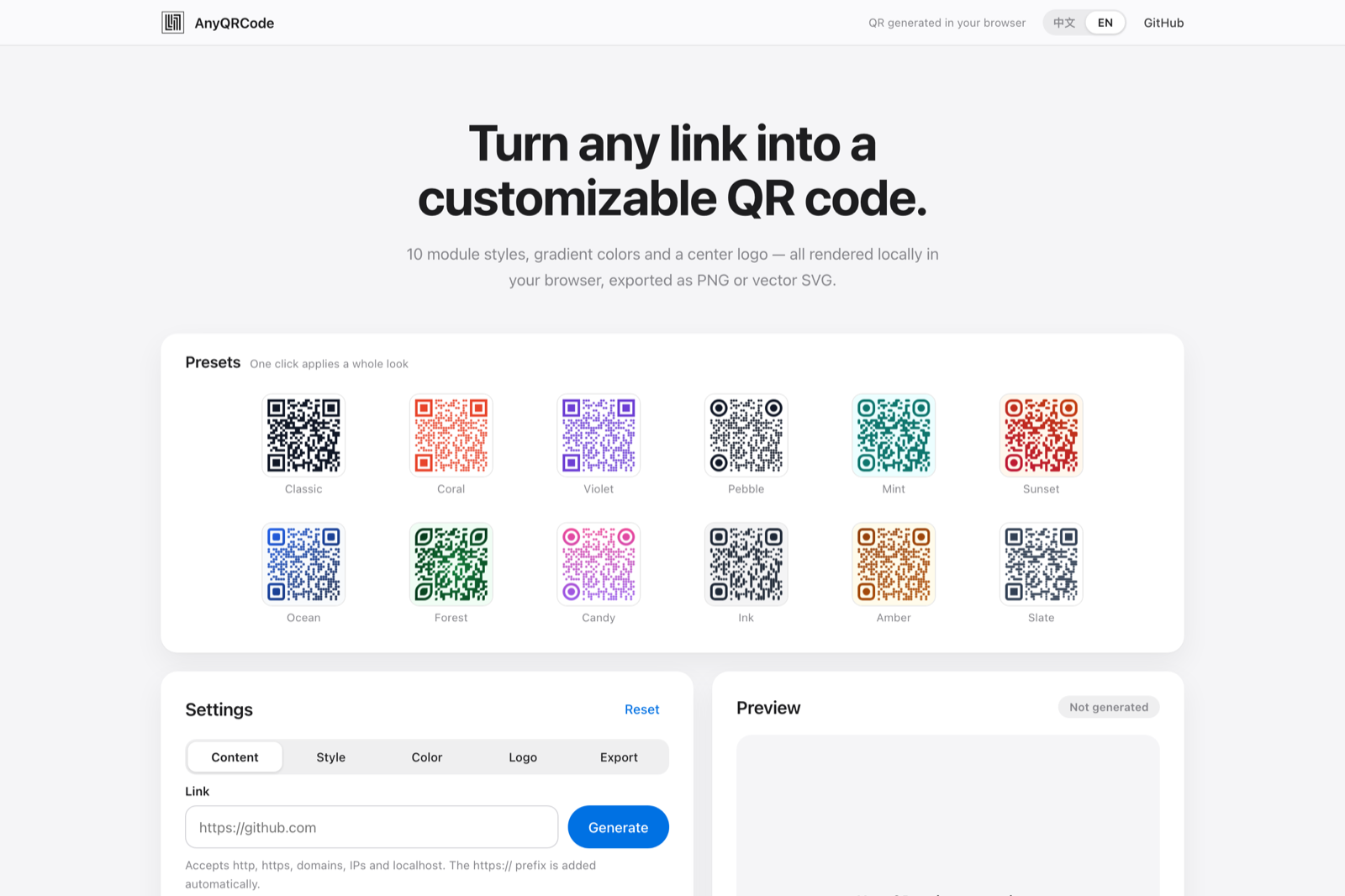
Ten module shapes, six finder frames and six finder dots in any combination, twelve presets whose thumbnails are real renders rather than stock images. Solid, linear, or radial fills, with the finder patterns optionally taking their own colours. Thirteen built-in vector icons that adopt your module colour, or upload your own. PNG, SVG, or JPG from 180 to 1200 pixels, with SVG as true vector for print. English and Chinese, and it follows your system’s dark mode.
No build step, no framework, no backend. Clone the repository and open index.html, or use the hosted version. It is MIT licensed — take it and make it yours.